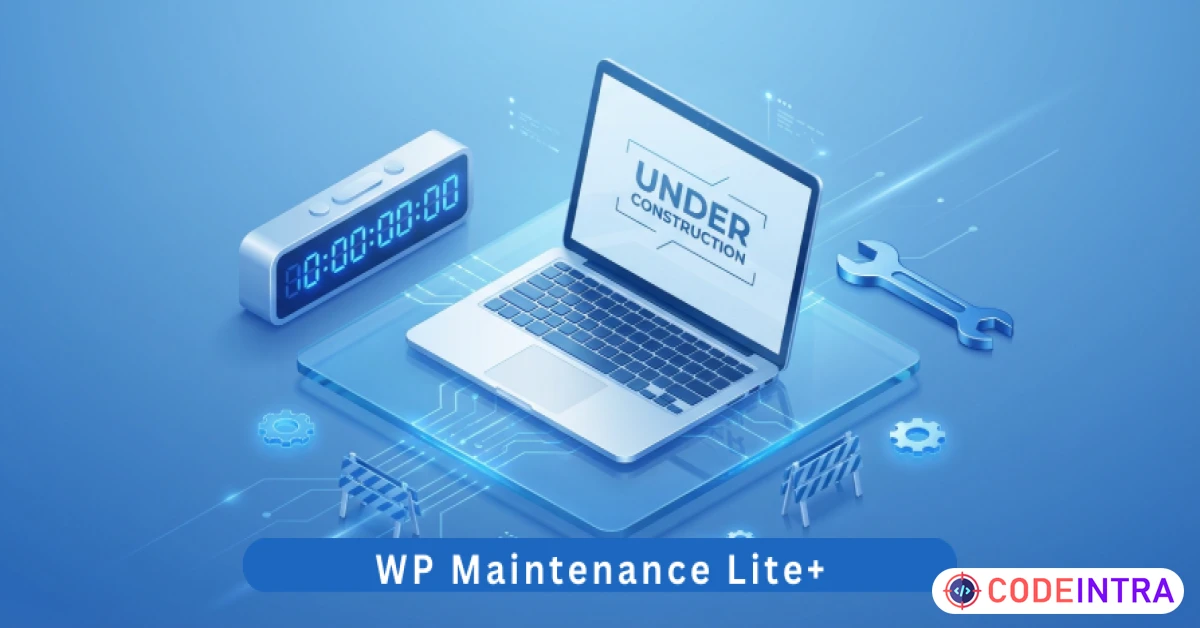
WP Maintenance Lite+ | Coming Soon, Under Construction & Professional Maintenance Mode Page Plugin
Create professional Coming Soon or Maintenance pages with ease. Protect your site during development with this lite plugin.
Make Someone's Day
Make someone's day by sharing this incredible item with them!
Here are the professional marketing details and product description for WP Maintenance Lite+, optimized for your Codeintra listing.
Item Metadata
Item Name (97 Characters): WP Maintenance Lite+ | Coming Soon, Under Construction & Professional Maintenance Mode Page Plugin Item Short Description (122 Characters): Create professional Coming Soon or Maintenance pages with ease. Protect your site during development with this lite plugin. Keywords: maintenance mode, coming soon page, under construction, splash page, wordpress maintenance, wp maintenance, site launch, lite maintenance, epicbite labs, placeholder page, dev mode, maintenance screen, landing page, splash screen
Product Description
Key Features
Instant Activation: Toggle Maintenance Mode on or off instantly from the dashboard. Professional Splash Page: A pre-designed, high-conversion template that looks great on desktops, tablets, and smartphones. Whitelisted Admin Access: While visitors see the maintenance screen, logged-in administrators can still see the live site, allowing you to test changes in real-time. Custom Branding: Easily upload your logo, set a custom heading, and write a personalized message to keep your audience informed. Social Connectivity: Add links to your Facebook, X (Twitter), and YouTube profiles so visitors can follow your progress during the downtime. SEO-Friendly Status Codes: Automatically sends a "503 Service Unavailable" header to search engines, ensuring your SEO rankings are not hurt while you are offline. Zero-Bloat Engineering: No external dependencies, no heavy libraries, and no impact on your site’s performance. Epicbite Premium UI: A modern, glassmorphic settings dashboard that makes it incredibly simple to customize your launch page.
Requirements
WordPress Version: 6.0 or higher. PHP Version: 7.4 or higher (Fully compatible with PHP 8.x). Browser Compatibility: All modern browsers (Chrome, Firefox, Safari, Edge). User Role: Must have Administrative privileges to enable/disable maintenance mode.
Installation & Usage Instructions
Installation:
Download the Project-Package.zip and extract the internal wp-maintenance-lite-plus.zip. In your WordPress Dashboard, go to Plugins > Add New > Upload Plugin. Choose the zip file and click Install Now. Click Activate Plugin.
Usage:
Navigate to Settings > Maintenance Lite. Upload your Site Logo and enter your Page Title and Message. Add your Social Media links (optional). Check the box "Enable Maintenance Mode". Click Save Maintenance Settings. To test: Log out of your site or open it in an Incognito/Private window. You will see your professional splash screen, while you can still see the real site whenever you are logged in!

Comments (0)
Item Details

| Price |
$10
|
| Views |
1.2 K
|
| Version |
6.0
|
| Last Update |
16-Mar-2026
|
| Release Date |
16-Mar-2026
|
| Category | |
Order Confirmation
Please confirm your order. Once you confirm, the total amount will be deducted from your wallet, and the order will be placed. If you wish to make any changes, you can edit your order before pay.
By confirming, you also agree to our refund policy. Please make sure you've read and understood the terms.
Note: Coupon is applicable for items above $50

RELATED ITEMS
WP WhatsApp Chat Lite+ | Customizable Floating Chat Button & Instant Customer Support Plugin

A.I Autocontent for Elementor - Premium Plugin
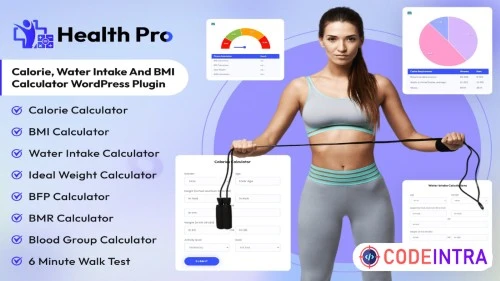
HealthPro Calorie, BMI Calculator WordPress Plugin