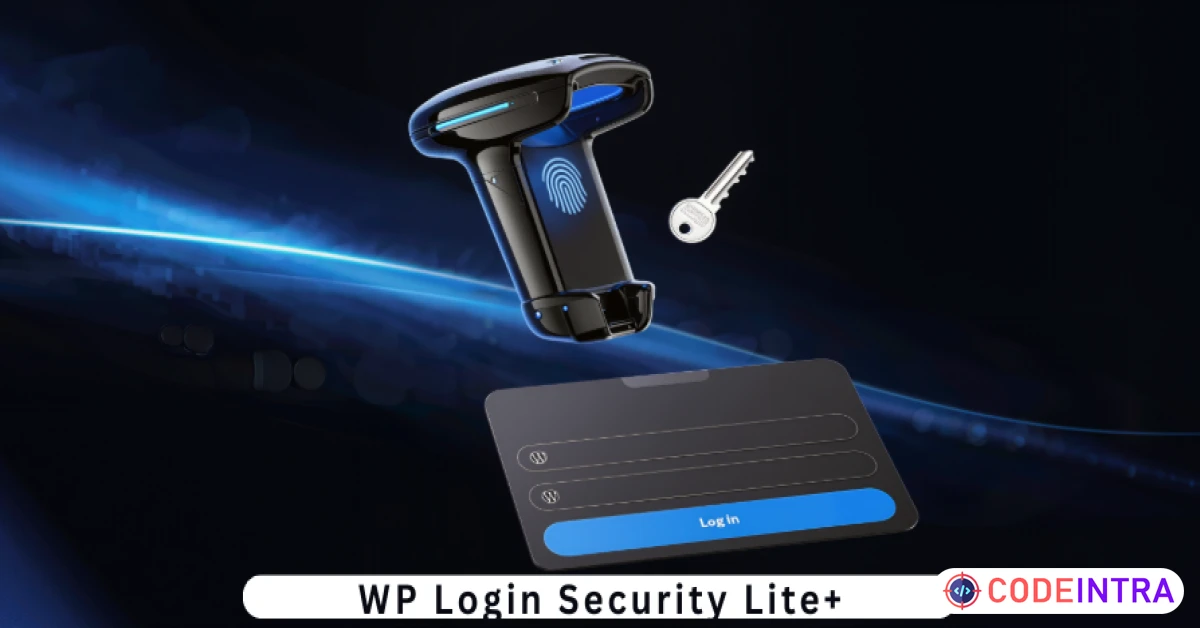
WP Login Security Lite+ | Hide Login URL, Brute Force Protection & IP Blocking WordPress Security Plugin
Hardened login security: Hide your admin URL and stop brute-force attacks with this ultra-fast, lite WordPress plugin.
Make Someone's Day
Make someone's day by sharing this incredible item with them!
Product Description
Key Features
Custom Login URL (Obscurity): Instantly change your login URL from yoursite.com/wp-login.php to anything you want (e.g., yoursite.com/secret-entry). This stops bots from finding your login page. Brute-Force Attack Protection: Set a maximum number of failed login attempts. If a user (or bot) fails too many times, they are instantly locked out. Automatic IP Blocking: The plugin identifies malicious IP addresses after repeated failures and places them on a temporary "Ban List" to save server resources. Live Security Logs: A built-in sidebar log displays the last 5 failed login attempts, showing you the exact Username, IP Address, and Timestamp of the intruder. Zero-Bloat Performance: Built with clean, procedural PHP. Unlike heavy security suites, this plugin adds nearly zero milliseconds to your page load time. Epicbite Premium UI: Manage your security settings through a stunning, glassmorphic dashboard that feels modern and professional within the WordPress Admin. Instant Access Recovery: If you forget your custom login URL, the plugin includes a safe-fail mechanism to recover access via your FTP or File Manager.
Requirements
WordPress Version: 6.0 or higher. PHP Version: 7.4 or higher (Fully compatible with PHP 8.x). Browser Compatibility: All modern browsers (Chrome, Firefox, Safari, Edge). Permissions: Ability to edit/save WordPress Permalinks.
Installation & Usage Instructions
Installation:
Download the Project-Package.zip and extract the internal wp-login-security-lite-plus.zip. In your WordPress Dashboard, go to Plugins > Add New > Upload Plugin. Choose the zip file and click Install Now. Click Activate Plugin.
Usage:
Navigate to Settings > Login Security. In the "Custom Login Slug" field, enter your new secret word (e.g., myportal). Set your "Login Attempt Limit" (Default is 5). Click Save Security Settings. Important: Bookmark your new login URL! Your old /wp-admin or /wp-login.php will now show a 404 error to everyone else. To test: Log out and try to access yoursite.com/wp-admin. You will see it is hidden. Then, use your new secret URL to log back in securely!

Comments (0)
Item Details

| Price |
$10
|
| Views |
2 K
|
| Version |
6.0
|
| Last Update |
12-Mar-2026
|
| Release Date |
12-Mar-2026
|
| Category | |
Order Confirmation
Please confirm your order. Once you confirm, the total amount will be deducted from your wallet, and the order will be placed. If you wish to make any changes, you can edit your order before pay.
By confirming, you also agree to our refund policy. Please make sure you've read and understood the terms.
Note: Coupon is applicable for items above $50

RELATED ITEMS

WP Content Shield Lite+ | Disable Right-Click, Copy-Paste Protection & Content Security for WordPress
HealthPro Calorie, BMI Calculator WordPress Plugin

HT Menu Pro – WordPress Mega Menu Builder for Elem