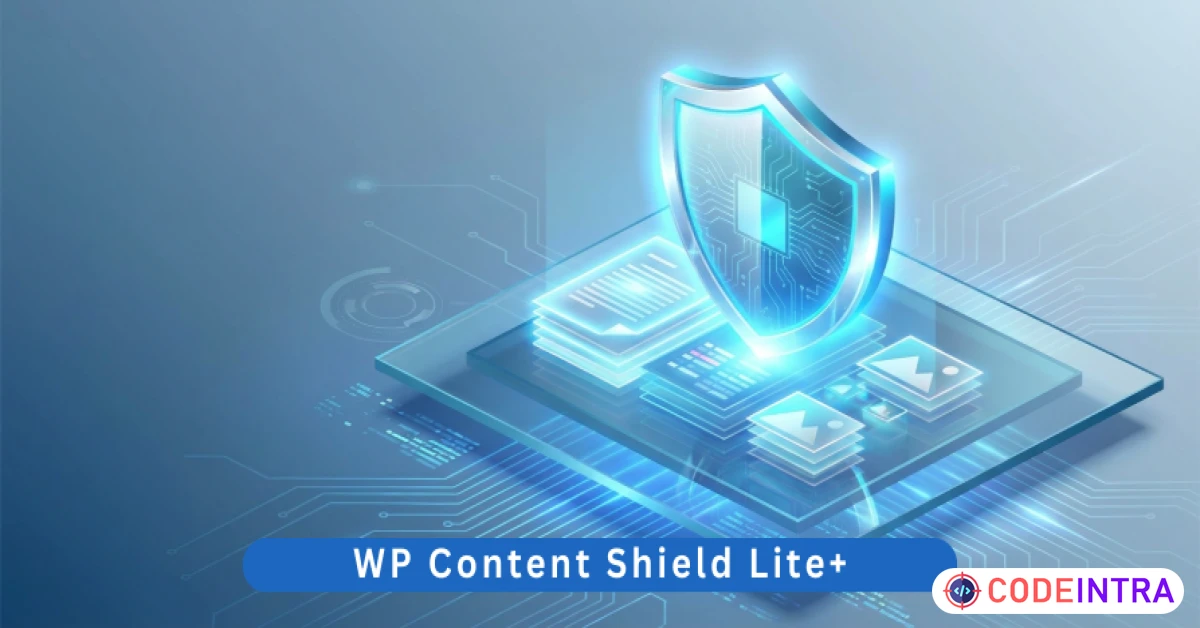
WP Content Shield Lite+ | Disable Right-Click, Copy-Paste Protection & Content Security for WordPress
Protect your text and images from theft. Disable right-click, text selection, and shortcuts with this ultra-light security tool.
Make Someone's Day
Make someone's day by sharing this incredible item with them!
Product Description
Key Features
Disable Right-Click (Context Menu): Instantly prevents the right-click menu from appearing, stopping users from using "Save Image As" or "View Page Source." Disable Text Selection & Copy: Blocks the ability to highlight text and use the copy command, ensuring your articles and data stay on your site. Image Drag & Drop Protection: Prevents users from simply dragging your images into another folder or browser tab to save them. Keyboard Shortcut Blocking: Disables common theft shortcuts like Ctrl+C (Copy), Ctrl+V (Paste), Ctrl+U (View Source), and Ctrl+Shift+I (Inspect Element). SEO-Friendly Security: The protection layers are applied at the browser level, meaning Google and other search engine bots can still crawl and index your content perfectly. Zero-Bloat Engineering: No external dependencies, no heavy libraries, and no impact on your server’s CPU. It is lightweight and works out of the box. Live Protection Log: The built-in sidebar log shows the status of active protection layers, giving you peace of mind that your shield is active. Epicbite Premium UI: A modern, glassmorphic settings dashboard that allows you to toggle specific protection layers on or off in seconds.
Requirements
WordPress Version: 6.0 or higher. PHP Version: 7.4 or higher (Fully compatible with PHP 8.x). Browser Compatibility: All modern browsers (Chrome, Firefox, Safari, Edge). Impact: Zero impact on site performance or SEO crawlability.
Installation & Usage Instructions
Installation:
Download the Project-Package.zip and extract the internal wp-content-shield-lite-plus.zip. In your WordPress Dashboard, go to Plugins > Add New > Upload Plugin. Choose the zip file and click Install Now. Click Activate Plugin.
Usage:
Navigate to Settings > Content Shield. Check the boxes for the protection layers you want to activate (Right-Click, Text Selection, etc.). Click Save Shield Settings. To test: Open your website in a new window and try to right-click on an image or highlight a paragraph. You will see that the actions are now blocked, keeping your content safe!

Comments (0)
Item Details

| Price |
$10
|
| Views |
5.1 K
|
| Version |
6.0
|
| Last Update |
17-Mar-2026
|
| Release Date |
17-Mar-2026
|
| Category | |
Order Confirmation
Please confirm your order. Once you confirm, the total amount will be deducted from your wallet, and the order will be placed. If you wish to make any changes, you can edit your order before pay.
By confirming, you also agree to our refund policy. Please make sure you've read and understood the terms.
Note: Coupon is applicable for items above $50

![Elementor Pro | WordPress Websites Builder [Premium] v3](https://codeintra.com/images/thumbs/64bcd0252fdb4149_uploads.webp)