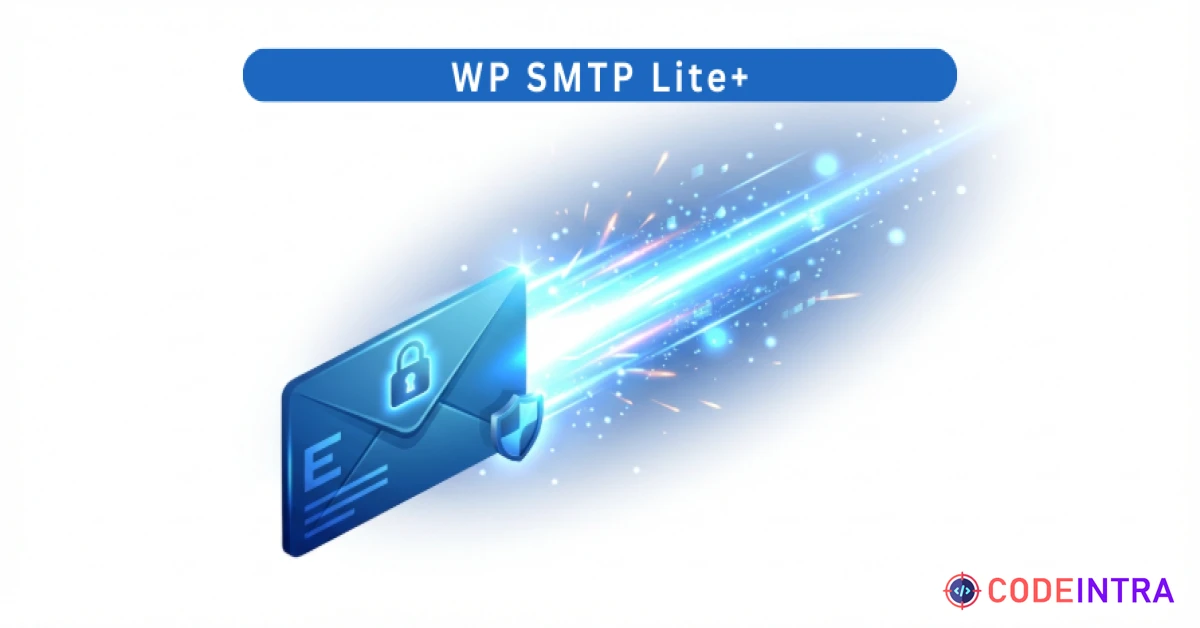
WP SMTP Lite+ | Fix WordPress Email Delivery, Secure SMTP & Mail Server Integration Plugin
Ensure 100% email delivery. Fix WordPress mail issues by sending emails via SMTP (Gmail, Outlook) with this lite plugin.
Make Someone's Day
Make someone's day by sharing this incredible item with them!
Product Description
Key Features
Universal SMTP Support: Connect seamlessly to any SMTP provider, including Gmail, Outlook, Yahoo, SendGrid, Mailgun, and your own private business mail server. High Deliverability: Authenticate your emails correctly to bypass spam filters and fix "WordPress not sending email" issues instantly. Secure Encryption: Supports industry-standard SSL and TLS encryption protocols to ensure your email credentials and data remain private during transmission. Instant Email Tester: A built-in "Send Test" tool allows you to verify your configuration immediately without needing to trigger actual contact forms. SMTP Error Logging: The sidebar log tracks the status of your last 5 outgoing emails, helping you debug connection issues or authentication errors in seconds. Zero-Bloat Engineering: No external trackers, no heavy JavaScript libraries, and no annoying upsells. It is lightweight, fast, and does exactly what it promises. Epicbite Premium UI: A professional, glassmorphic settings dashboard that makes it incredibly simple to set up your SMTP credentials and manage mail security.
Requirements
WordPress Version: 6.0 or higher. PHP Version: 7.4 or higher (Fully compatible with PHP 8.x). Browser Compatibility: All modern browsers (Chrome, Firefox, Safari, Edge). SMTP Credentials: You must have valid SMTP details from your email provider (Host, Port, Username, and Password).
Installation & Usage Instructions
Installation:
Download the Project-Package.zip and extract the internal wp-smtp-lite-plus.zip. In your WordPress Dashboard, go to Plugins > Add New > Upload Plugin. Choose the zip file and click Install Now. Click Activate Plugin.
Usage:
Navigate to Settings > WP SMTP. Fill in your SMTP details (Host, Port, Username, and Password). Select your Encryption type (usually TLS for port 587 or SSL for port 465). Enter the "From Email" (must match your SMTP account). Click Save SMTP Settings. To test: Scroll down to the Email Test section, enter your personal email, and click Send Test Email. Check your inbox for the success message!

Comments (0)
Item Details

| Price |
$10
|
| Views |
1.6 K
|
| Version |
6.0
|
| Last Update |
16-Mar-2026
|
| Release Date |
16-Mar-2026
|
| Category | |
Order Confirmation
Please confirm your order. Once you confirm, the total amount will be deducted from your wallet, and the order will be placed. If you wish to make any changes, you can edit your order before pay.
By confirming, you also agree to our refund policy. Please make sure you've read and understood the terms.
Note: Coupon is applicable for items above $50