WP Admin Menu Hider Lite+ | Hide Admin Menu Items, Simplify Sidebar & Clean Dashboard for Clients
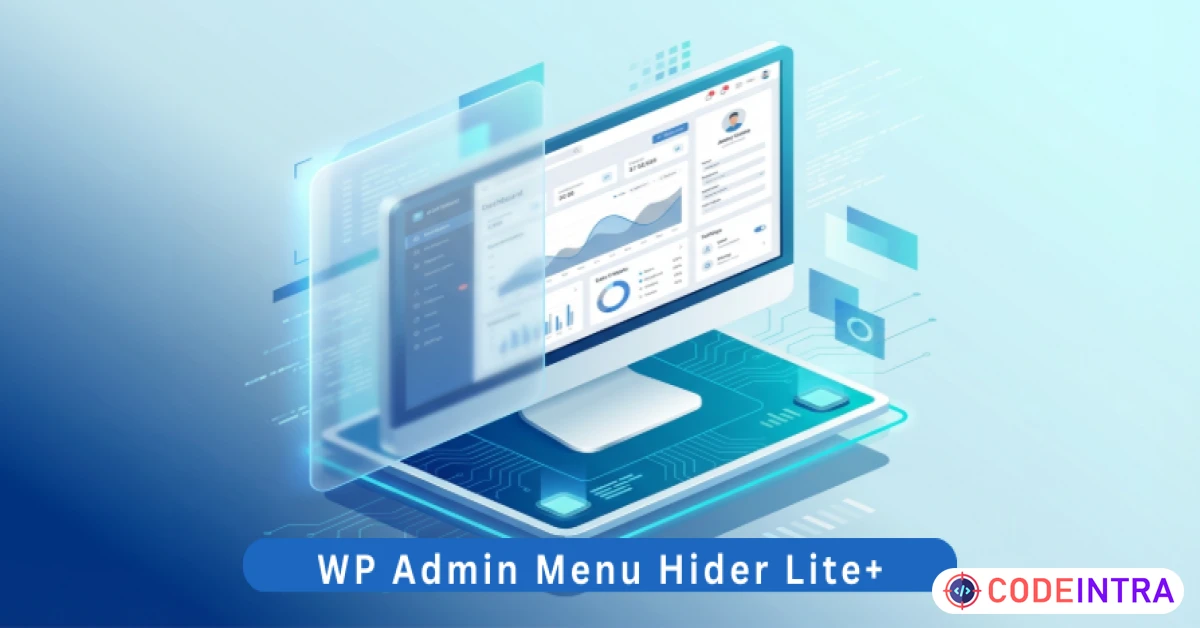
Declutter your WordPress dashboard. Hide sensitive menu items from specific user roles to keep the sidebar clean.
Make Someone's Day
Make someone's day by sharing this incredible item with them!
Product Description
Key Features
Selective Menu Hiding: Easily hide top-level menus (like Plugins, Settings, or specific Plugin pages) and even sub-menu items with a simple checkbox system. Role-Based Privacy: Keep the full dashboard visible for your Administrator account while hiding technical clutter for Editors, Authors, and Contributors. Update Notice Suppression: Tired of constant "Update" banners? Optionally hide redundant plugin update notices to keep the workspace professional. Client-Proofing: Prevent clients from accidentally accessing sensitive settings or breaking site functionality by hiding the "Danger Zones." One-Click Reset: Need to see everything again? The built-in "Reset Visibility" tool brings back all hidden menus instantly for maintenance. Zero-Bloat Engineering: No external dependencies and no heavy database tables. It runs only when the admin dashboard is loaded, ensuring peak performance. Live Status Log: The sidebar log shows you exactly how many items are currently hidden, keeping you in control of your dashboard's state. Epicbite Premium UI: A modern, glassmorphic settings dashboard that makes managing your admin sidebar feel like a premium experience.
Requirements
WordPress Version: 6.0 or higher. PHP Version: 7.4 or higher (Fully compatible with PHP 8.x). Browser Compatibility: All modern browsers (Chrome, Firefox, Safari, Edge). Permissions: You must be logged in as an Administrator to hide/unhide menu items.
Installation & Usage Instructions
Installation:
Download the Project-Package.zip and extract the internal wp-admin-menu-hider-lite-plus.zip. In your WordPress Dashboard, go to Plugins > Add New > Upload Plugin. Choose the zip file and click Install Now. Click Activate Plugin.
Usage:
Navigate to Settings > Menu Hider. You will see a list of all active menu items in your sidebar. Check the boxes next to the items you want to hide. Select the User Roles that should be affected by these changes. Click Save Hider Settings. To verify: Log in with a lower-level user account (like Editor) and see how clean and professional the dashboard looks!

Comments (0)
Item Details

| Price |
$10
|
| Views |
1.1 K
|
| Version |
6.0
|
| Last Update |
17-Mar-2026
|
| Release Date |
17-Mar-2026
|
| Category | |
Order Confirmation
Please confirm your order. Once you confirm, the total amount will be deducted from your wallet, and the order will be placed. If you wish to make any changes, you can edit your order before pay.
By confirming, you also agree to our refund policy. Please make sure you've read and understood the terms.
Note: Coupon is applicable for items above $50