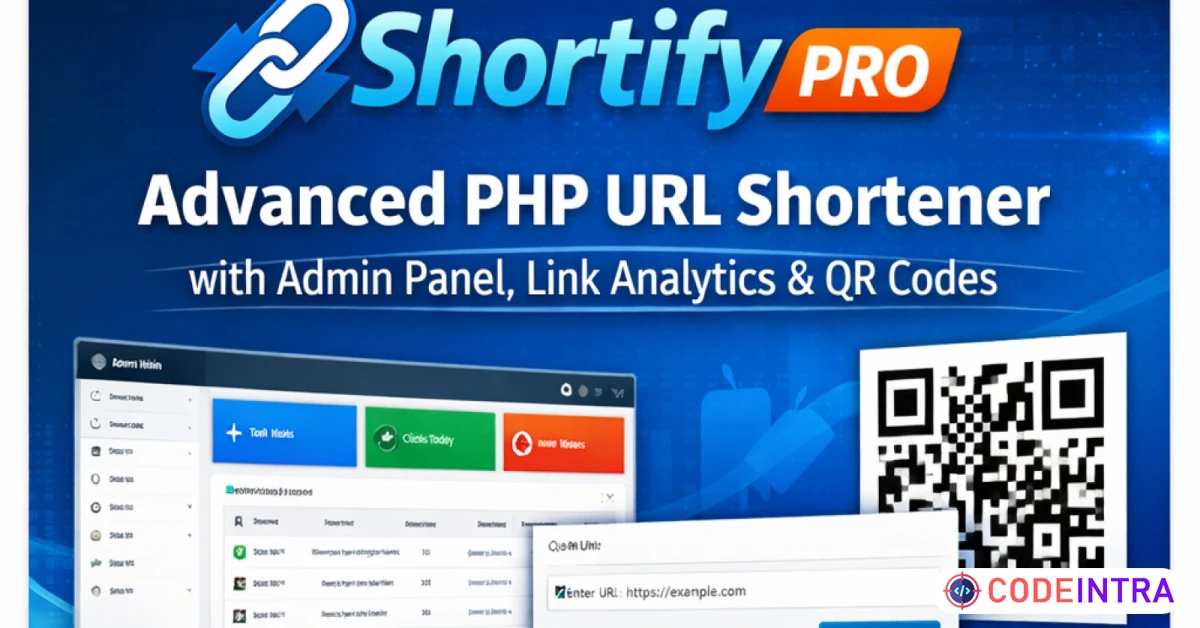
URL Shortner Pro – Advanced PHP URL Shrinker
Shortify Pro is a modern and secure PHP URL shortener with user authentication, admin panel, link analytics, and QR code generatio
Make Someone's Day
Make someone's day by sharing this incredible item with them!
Shortify Pro is a complete and easy-to-use URL shortening platform built with PHP and MySQL. It allows users to create short links, track clicks, generate QR codes, and manage links through a clean dashboard.
The system includes a powerful admin panel for managing users, links, and global settings. With a built-in installer and structured codebase, Shortify Pro is suitable for developers, startups, and entrepreneurs who want to launch their own URL shortening service or integrate it into existing projects.
The application is optimized for performance, security, and scalability.
## Features
- Create and manage short URLs
- User registration and login system
- Admin dashboard for full control
- Link click statistics
- QR code generation
- User profile management
- Edit and delete links
- Clean and responsive user interface
- Secure PHP & MySQL backend
- Built-in installer
- Easy configuration
## Requirements
- PHP 8.0 or higher
- MySQL 5.7 or higher
- Apache web server
- mod_rewrite enabled
- Shared or VPS hosting
## Installation
1. Upload all files to your web server.
2. Create a new MySQL database.
3. Import the SQL file located in the `sql` folder.
4. Rename `config/config.sample.php` to `config.php`.
5. Update database credentials in `config.php`.
6. Open your browser and go to:
yourdomain.com/public/install
7. Follow the installer steps.
8. After installation, delete the `install` directory for security.
## Demo
Frontend Demo:
https://dzshopping.ct.ws/
Admin Demo:
Email: admin
Password: admin123!
User Demo:
Email: demouser
Password: Demo123!
Features
Create and manage short URLs
User registration & login system
Admin dashboard
Link click statistics
QR code generator
User profile management
Link editing and deletion
Clean and responsive UI
Secure PHP & MySQL backend
Built-in installer
Easy configuration
Requirements
PHP 8.0 or higher
MySQL 5.7 or higher
Apache server
mod_rewrite enabled
Shared / VPS hosting supported
Instructions
Upload all files to your hosting server
Create a MySQL database
Import sql/database.sql
Rename config/config.sample.php to config.php
Edit database credentials in config.php
Open your browser and visit:yourdomain.com/public/install
Follow the installation steps
Delete the install folder after installation



Comments (0)
Item Details

| Price |
$39
|
| Views |
16.3 K
|
| Version |
23 January 2026
|
| Last Update |
26-Jan-2026
|
| Release Date |
26-Jan-2026
|
| Category | |
Order Confirmation
Please confirm your order. Once you confirm, the total amount will be deducted from your wallet, and the order will be placed. If you wish to make any changes, you can edit your order before pay.
By confirming, you also agree to our refund policy. Please make sure you've read and understood the terms.
Note: Coupon is applicable for items above $50