
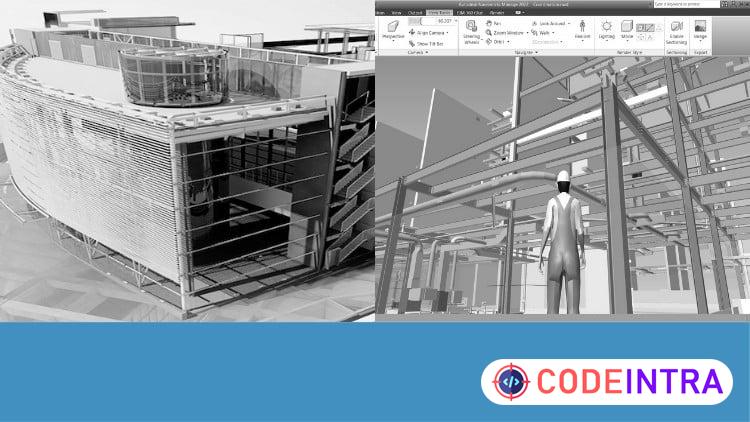
Exploring Navisworks: BIM Tutorials from Basics to Advanced
Tutorials on Navisworks: Navigation, Timeliner, Scripter, Clash Detection, Animator, Quantification, and Rendering

Make Someone's Day
Share this incredible course!
Unlock the full potential of Autodesk Navisworks with our comprehensive, step-by-step tutorial course designed to guide you through all the essential concepts and features of this powerful BIM tool. Whether you are a beginner or looking to enhance your skills, this course covers everything you need to master Navisworks.
What You'll Learn:
Model Navigation: Learn to navigate complex models with ease, including viewing, sectioning, and visualizing different aspects of your BIM projects.
Timeliner: Discover how to create 4D and 5D simulations to visualize project schedules and costs over time.
Clash Detection: Master the techniques of identifying and resolving conflicts within your BIM models to ensure seamless project execution.
Scripter and Animator: Gain proficiency in creating detailed animations and scripts to simulate real-world scenarios and project workflows.
Quantification: Learn how to perform accurate quantity takeoffs and generate detailed reports for project planning and cost estimation.
Rendering: Explore advanced rendering techniques to produce high-quality visuals and presentations of your BIM projects.
Course Features:
Real-World BIM Projects: Apply your learning on real-world BIM projects, ensuring practical, hands-on experience.
Step-by-Step Tutorials: Follow structured, easy-to-understand tutorials that build your skills progressively.
Exercises and Quizzes: Test your knowledge and reinforce your learning with practical exercises and quizzes at the end of each module.
Comprehensive Coverage: From basics to advanced techniques, this course provides a thorough understanding of all Navisworks functionalities.
Reading Materials: Each section of the course includes reading materials that provide an in-depth study of the tools used in that section's tutorials.
Enroll now to take your BIM skills to the next level and become proficient in Autodesk Navisworks!
Learning Objectives
🔹Explore the Navisworks User Interface and Navigation Tools🔹Perform 4D and 5D Simulations for Project Management on Real World Project
🔹Perform Clash Detection and Quantifications on Real World Project
🔹Create Detailed Animations, Renderings, and Scripts for Enhanced Visualization
Prerequisites
🔹Basic Understanding of BIM Concepts🔹Fundamental Knowledge of CAD Software
Who This Course Is For
🔹BIM Managers and Coordinators: Those responsible for overseeing BIM (Building Information Modeling) projects and need comprehensive knowledge of Navisworks.🔹Architects and Engineers: Professionals involved in the design and construction phases who use BIM tools like Navisworks for coordination and clash detection.
🔹Construction Project Managers: Individuals managing construction projects who require skills in managing and reviewing BIM models using Navisworks.
🔹BIM Modelers and Drafters: Those who create and maintain BIM models and need to enhance their skills in Navisworks for better collaboration and project efficiency.
🔹Students and Educators: Educational institutions offering courses in architecture, engineering, or construction management where Navisworks is part of the curriculum.
🔹Professionals Transitioning to BIM: Individuals transitioning from traditional CAD to BIM workflows who need to learn Navisworks as part of their professional development.
Course Details

| Price | FREE |
| Views | 0 |
| Lectures | 28 |
| Duration | 3 hours |
| Last Update | 10-Apr-2026 |
| Release Date | 10-Apr-2026 |
| Category | Design |
|
30
|
|

This course includes:
📹 Video lectures
📄 Downloadable resources
📱 Mobile & desktop access
🎓 Certificate of completion
♾️ Lifetime access

