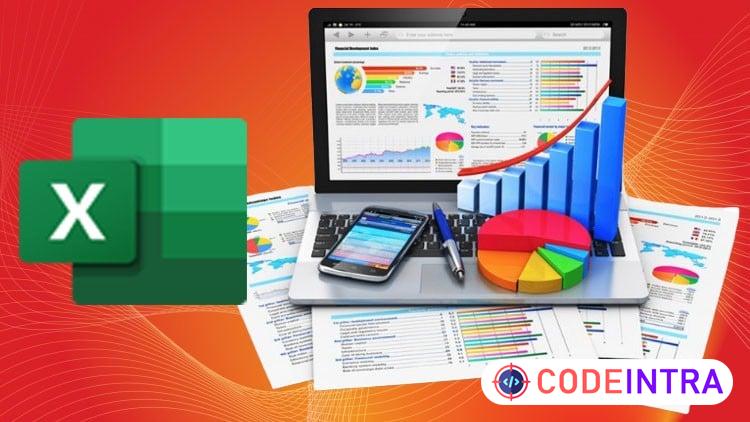
Excel Data Analysis & Data Management for Business & Careers
Learn Excel Data Analysis, Data Management, Reporting and Dashboards Using Real World Business Examples

Make Someone's Day
Share this incredible course!
Excel is one of the most important tools for data analysis and data management in today’s business world. Whether you’re working with reports, tracking performance or making data driven decisions, strong Excel skills can set you apart.
In Excel Data Analysis & Data Management for Business & Careers, you’ll learn how to confidently work with data in Excel—from organizing and cleaning raw data to analyzing it and presenting clear insights.
This course takes a hands-on, practical approach. You won’t just watch lectures—you’ll actively work with real-world business datasets and examples that reflect how Excel is used in professional environments.
What you’ll learn
Organize, clean and manage data efficiently in Excel
Use essential formulas and functions for data analysis
Analyze data using PivotTables and PivotCharts
Create professional reports and dashboards
Apply Excel data analysis skills to real business scenarios
Improve accuracy, productivity, and decision making with data
Why take this course?
Step by step explanations with clear demonstrations
Practical, job-ready skills—not just theory
Real-world examples you can apply immediately
Designed for business and career growth
By the end of this course, you’ll be able to manage data effectively, analyze it with confidence, and turn Excel into a powerful tool for your business and career.
Enroll now and start from today.
Learning Objectives
🔹What is Data Analysis and Data Management?🔹Setting Up Your Workspace (Installing Excel, Power BI Desktop, SQL Server Express, and Access)
🔹Key Concepts in Data Analytics (Data types, sources, quality)
🔹Data Cleaning and Preparation Techniques
🔹Loading and Transforming Data with Power Query
🔹Creating Interactive Dashboards and Reports
🔹Data Cleaning and Preparation Techniques
Prerequisites
🔹No experience needed. You'll learn everything from the beginning.Who This Course Is For
🔹Beginners who want to build a strong foundation in Excel🔹Business professionals who work with data and reports
🔹Students preparing for data related or business roles
🔹Anyone looking to improve career focused Excel skills
Course Details

| Price | FREE |
| Views | 5 |
| Lectures | 14 |
| Duration | 1.5 hours |
| Last Update | 02-Jul-2026 |
| Release Date | 08-Apr-2026 |
| Category | Office Productivity |
|
30
|
|

This course includes:
📹 Video lectures
📄 Downloadable resources
📱 Mobile & desktop access
🎓 Certificate of completion
♾️ Lifetime access