Create free websites with canva without coding
Create a completely free website from start to finish and customize attractive, beautiful ready-made templates

Make Someone's Day
Share this incredible course!
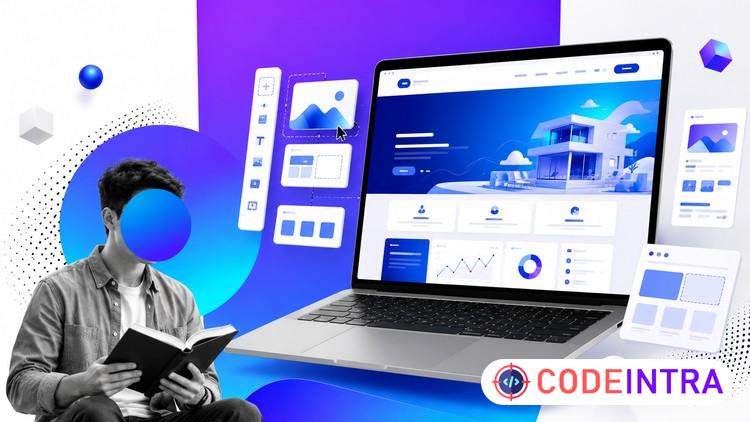
Have you ever wanted to create a beautiful website without learning coding or spending money on expensive tools? In this course, you will learn how to build professional websites completely for free using Canva.
This step-by-step course is designed for beginners who want to create websites quickly and easily. Even if you have no technical background, you will learn how to design modern and responsive websites using Canva’s powerful drag-and-drop tools.
We will start by exploring the Canva interface and learning the essential tools needed to design websites. After that, you will learn how to structure a website, design sections, add images, create buttons, and build navigation menus.
In this course, you will build real websites from scratch and also learn how to customize professional templates. By the end of the course, you will know how to design a complete website for personal use, portfolio presentation, or small businesses.
You will also learn how to publish your website online and share it with others. The course focuses on practical learning, simple explanations, and real examples so that you can follow along and build your own website while watching the lessons.
This course is perfect for freelancers, students, small business owners, and anyone who wants to create a website without coding.
By the end of this course, you will be able to design modern websites, customize templates professionally, and confidently publish your own website using Canva.
Start building your first website today and discover how easy website design can be with Canva.
Learning Objectives
🔹Learn overview of canva.🔹learn how to customize ready made templates
🔹learn how to make a website from zero to hero
🔹how to build a weblog
🔹how to build a personal website
🔹how to build a news website
🔹how to build a hotel website
🔹how to build a sport website
🔹how to build a product website
🔹how to build a store website
🔹how to build a shopping website
🔹how to build a landing page
🔹how to build a company website
🔹how to build a education website
🔹how to build a medical website
🔹how to build a restaurant website
Prerequisites
🔹No experience is necessary, you will learn everything you need to know.Who This Course Is For
🔹those who need to small websites🔹those who like to build websites without coding
🔹those who want to build a website in a short time
🔹those who need to few websites
🔹those who need to modern websites
Course Details

| Price | FREE |
| Views | 3 |
| Lectures | 16 |
| Duration | 1.5 hours |
| Last Update | 19-Jun-2026 |
| Release Date | 15-Jun-2026 |
| Category | Development |
|
30
|
|

This course includes:
📹 Video lectures
📄 Downloadable resources
📱 Mobile & desktop access
🎓 Certificate of completion
♾️ Lifetime access